
TESTING WITH REAL PEOPLE
What if the only way to know if your design works is to watch someone who’s never seen it try to use it?
CORE CONCEPT
IMPORTANCE OF TESTING WITH REAL PEOPLE
KEY KNOWLEDGE
1
Usability testing = showing your work to real people and watching how they interact with it

REAL WORLD EXAMPLE
You designed what you think is the perfect class schedule app. It makes total sense to you. Then you hand it to your friend, and they spend 30 seconds staring at the screen saying “Where do I tap?” That moment — watching their confusion — teaches you more than a week of designing alone. That’s usability testing.
2
You test because YOU know how your design works, but your USERS don’t. Testing reveals what they experience
REAL WORLD EXAMPLE
You know the settings are hidden behind three dots in the top corner because you put them there. But a new user doesn’t know that. They tap everywhere EXCEPT those three dots. The problem isn’t their intelligence — it’s your design. You’re too close to your own work to see its flaws. A fresh pair of eyes fixes that blind spot.
3
Even testing with one person reveals problems you’d never find alone

REAL WORLD EXAMPLE
IKEA could test their furniture assembly instructions with 100 people. But even watching ONE person struggle with Step 4 and accidentally attach the shelf upside down tells them exactly where the diagram needs to be clearer. One test, one person, one insight. That’s enough to improve the next million instruction sheets.
4
Testing can be simple: show someone your prototype (even a paper one) and ask them to complete a task while you watch

REAL WORLD EXAMPLE
You don’t need a computer, an app, or money to test. Draw your app idea on paper with boxes for buttons. Hand it to someone and say: “Find the homework section.” Watch where their finger goes. If they tap the right box, your design works. If they hesitate, it doesn’t. You just ran a usability test with zero technology.
5
During testing, watch and listen — don’t explain or defend. If you have to explain it, the design might need improvement
REAL WORLD EXAMPLE
Your friend says: “I don’t understand this icon.” Your instinct screams: “It’s OBVIOUSLY the search button!” But if you have to explain it, the icon failed. Bite your tongue. Write down their confusion. Fix the icon later. The hardest part of testing isn’t finding a tester — it’s staying quiet while they struggle with something you thought was obvious.

6
Testing isn’t about proving your design is good — it’s about discovering how to make it better
REAL WORLD EXAMPLE
If you test hoping to hear “This is perfect!” you’re not testing — you’re seeking approval. Real testing hopes to hear “I got confused here” because that confusion is a gift — it tells you exactly what to fix. The best designers CELEBRATE problems found in testing because each one makes the final product stronger.

7
Problems found in testing are GOOD — they’re opportunities to improve before the final version
REAL WORLD EXAMPLE
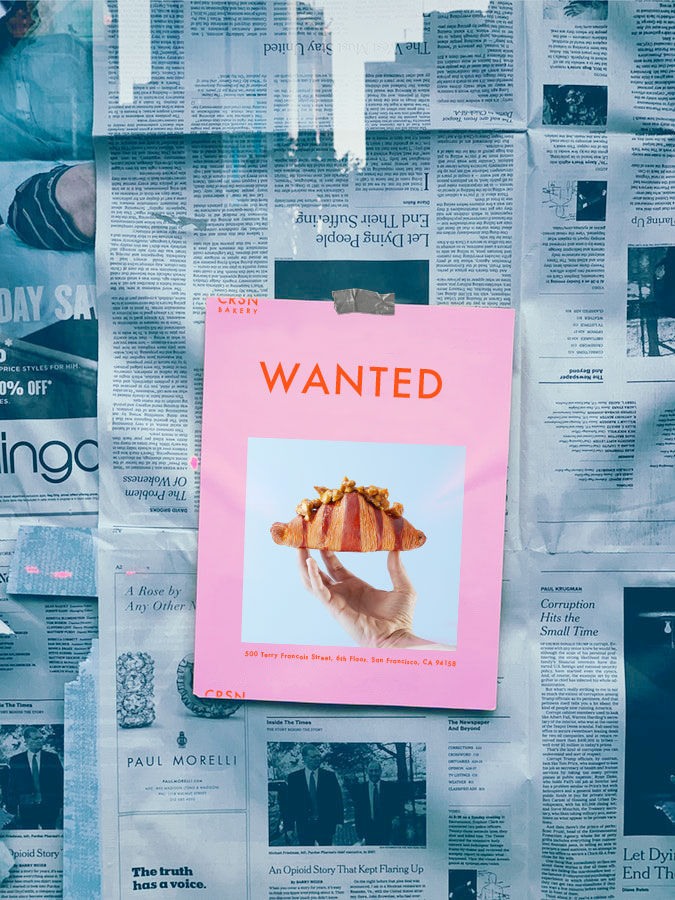
Finding out your poster is confusing BEFORE you print 500 copies saves you from 500 confused viewers. Finding out your app crashes on a specific screen BEFORE launch saves you from thousands of bad reviews. Testing is insurance: it costs a little time now and saves enormous pain later.
8
What if the most valuable 5 minutes you could spend on any project is watching one person try to use it?

REAL WORLD EXAMPLE
Five minutes. That’s all it takes. Show your work to ONE person. Watch their face. Note where they pause, squint, or look lost. Those 5 minutes will teach you more about your design than 5 hours of tweaking it alone. Make it a rule: nothing is finished until one real person has tried it while you watched.
Pro Connection
UX researchers conduct usability tests as a core part of the design process. When a product team says “let’s validate this with users,” they mean: let’s test before we build the final version. Companies invest heavily in testing because fixing a problem after launch costs 10–100x more than fixing it during testing.
PROFESSIONAL TERMINOLOGY
CLICK TO REVEAL and CLICK TO COVER
Watching real people interact with your design to see if it works as intended — the most direct form of feedback
What is
USABILITY TESTING
A real person (ideally from your target audience) who tries your design during testing
What is
TEST PARTICIPANT
A specific thing you ask the test participant to do: "Find the settings page" or "Submit the form"
What is
TASK
A testing technique where participants say what they're thinking as they use the design — revealing their mental process
What is
THINK-ALOUD
How easy and intuitive something is to use — the quality that testing measures
What is
USABILITY
THE TOUCHPOINT TRACKER
One app. Six moments. Rate each one: delightful, neutral, or frustrating. You just mapped a user experience.
what TO DO
Pick any app you used today.
List every touchpoint from the moment you noticed the app icon to the moment you closed it: seeing the icon, tapping it, the loading screen, the first thing you saw, every key tap and scroll, and finally closing it.
Write down at least 6 touchpoints in order.
For each touchpoint, rate it: Delightful (😊), Neutral (😐), or Frustrating (😤). Add one word explaining the rating.
Identify your best touchpoint and your worst. Write one sentence about each: what made the best one work, and what would you change about the worst one?
CHALLENGE
DISCOVERY
You can use these SOFTWARES for this Discovery Challenge
FREE SOFTWARE : Phone Camera / Screenshot, Google Keep, WhatsApp, Voice Recorder
PAID SOFTWARE : Notability, Day One Journal