
FEEDBACK LOOPS
What if the best designs in the world are never “finished” — they’re always learning and improving from the people who use them?
CORE CONCEPT
IMPORTANCE OF FEEDBACK LOOPS
KEY KNOWLEDGE
1
A feedback loop = the cycle of creating, releasing, observing, learning, and improving — then repeating

REAL WORLD EXAMPLE
You post a reel. 200 views. You notice people drop off after 3 seconds. Next reel, you put the hook in the first 2 seconds. 800 views. You notice people comment more when you ask a question. Next reel, you end with a question. 2,000 views. Create, release, observe, learn, improve, repeat. That’s a feedback loop — and it’s how every creator grows.
2
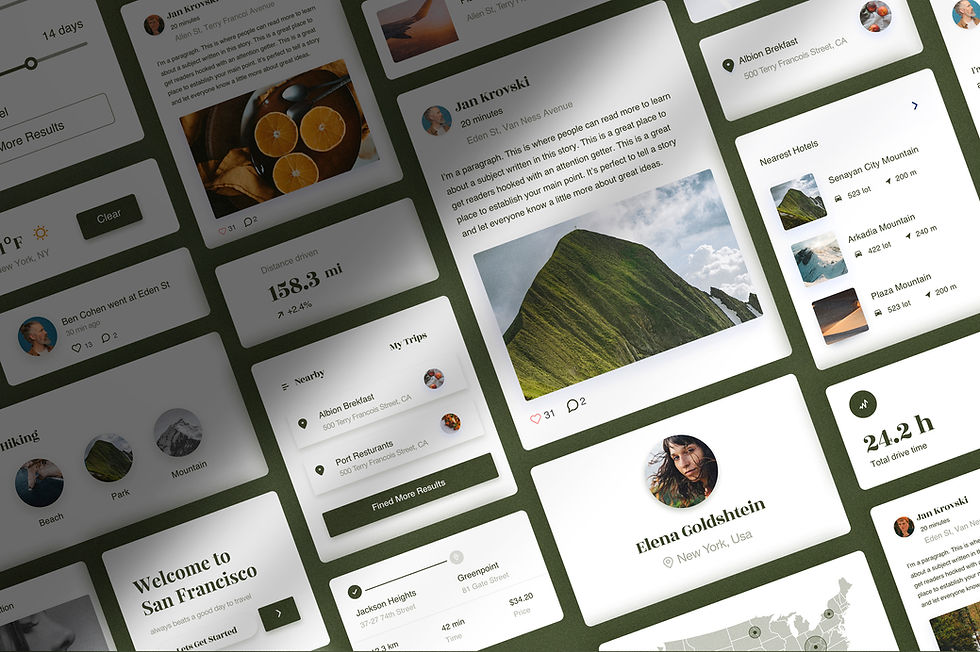
The best products are always improving: every app update is the result of a feedback loop
REAL WORLD EXAMPLE
Open your phone’s app store and look at the update notes: “Bug fixes,” “Improved navigation,” “New feature based on user feedback.” Every single update is proof that the app isn’t “finished.” It’s a living thing that learns from millions of users and gets a little better each time. Version 1 is just the starting point.
3
Feedback can come from: user testing, analytics (data about how people use something), surveys, reviews, direct observation, and social media reactions

REAL WORLD EXAMPLE
A YouTuber gets feedback from everywhere: watch time data (analytics), comments (direct feedback), likes-to-dislikes ratio (social reaction), and watching friends react to their video in person (observation). Each source tells a different part of the story. Smart creators collect feedback from multiple sources, not just one.
4
Listening to feedback requires humility: your design might not be as clear or effective as you thought, and that’s okay

REAL WORLD EXAMPLE
You spent three days on a poster. You think it’s beautiful. Then someone says: “I couldn’t read the date — the text was too small.” Your first reaction is defence: “But the font is so cool!” Your second reaction (the one that matters) is: “They’re right. Cool font, unreadable date. I’ll fix it.” Humility isn’t weakness. It’s what makes Version 2 better than Version 1.
5
Quick feedback loops (test and improve rapidly) produce better results than slow ones (build something huge and hope it works)
REAL WORLD EXAMPLE
Student A spends two months building a complete app, then shows it to friends. They hate the navigation. Two months wasted. Student B builds one screen, shows it after one day, fixes it, builds the next screen, shows it again. After two months, Student B has a better app built from 60 days of feedback instead of zero.

6
Feedback loops apply to everything: apps, events, presentations, social media content, services, and physical spaces
REAL WORLD EXAMPLE
A teacher notices students fall asleep during the last 15 minutes of class (feedback). She adds a quick quiz game at that point (improvement). Students stay awake (result). She notices the quiz is too easy (more feedback). She adds harder questions (more improvement). That’s a feedback loop — no technology required, just paying attention and adjusting.

7
This connects to iteration (from The Creative Process, Subject 6): feedback loops are iteration that continues AFTER launch

REAL WORLD EXAMPLE
In Subject 6, you learned that creative work improves through drafts and versions. Feedback loops are the same idea, but they continue AFTER your work is out in the world. The poster is printed, but next time you design one, you use what you learned. The reel is posted, but the next one is better. Iteration doesn’t stop at “final draft.”
8
What if you posted something on social media, watched how people responded, and used that learning to make the next post better? That’s a feedback loop — and successful creators do it constantly

REAL WORLD EXAMPLE
Every successful creator you follow is running a feedback loop. They post, check what worked, adjust, post again. The ones who grow aren’t luckier or more talented — they’re better at learning from each cycle. Start today: post something, watch the response, ask “what would make the next one better?” and do it. That’s the loop.
Pro Connection
Product teams review analytics weekly. A/B testing (showing two versions to different users to see which works better) is a structured feedback loop. When a product manager says “what are the metrics telling us?” they’re reading the feedback loop.
PROFESSIONAL TERMINOLOGY
CLICK TO REVEAL and CLICK TO COVER
The continuous cycle of creating, releasing, learning from real-world responses, and improving
What is
FEEDBACK LOOP
Data about how people use something: what they click, how long they stay, where they drop off
What is
ANALYTICS
The practice of always looking for ways to make something better — design as an ongoing process, not a one-time event
What is
CONTINUOUS IMPROVEMENT
A new version that improves on the previous one — the result of a feedback loop
What is
UPDATE
Using insights from feedback to make the next version better — the engine of improvement
What is
LEARN AND ITERATE
THE TOUCHPOINT TRACKER
One app. Six moments. Rate each one: delightful, neutral, or frustrating. You just mapped a user experience.
what TO DO
Pick any app you used today.
List every touchpoint from the moment you noticed the app icon to the moment you closed it: seeing the icon, tapping it, the loading screen, the first thing you saw, every key tap and scroll, and finally closing it.
Write down at least 6 touchpoints in order.
For each touchpoint, rate it: Delightful (😊), Neutral (😐), or Frustrating (😤). Add one word explaining the rating.
Identify your best touchpoint and your worst. Write one sentence about each: what made the best one work, and what would you change about the worst one?
CHALLENGE
DISCOVERY
You can use these SOFTWARES for this Discovery Challenge
FREE SOFTWARE : Pen and Paper + Phone Camera, Sketchbook by Autodesk, Google Keep, Canva
PAID SOFTWARE : Procreate Pocket, Figma