
YOUR DIGITAL TOOLKIT
What if you already have a creative toolkit that’s more powerful than you realise — and all you need to do is see it clearly?
CORE CONCEPT
IMPORTANCE OF YOUR DIGITAL TOOLKIT
KEY KNOWLEDGE
1
Your phone alone is a remarkably powerful creative toolkit: camera, editor, recorder, writer, designer, publisher

REAL WORLD EXAMPLE
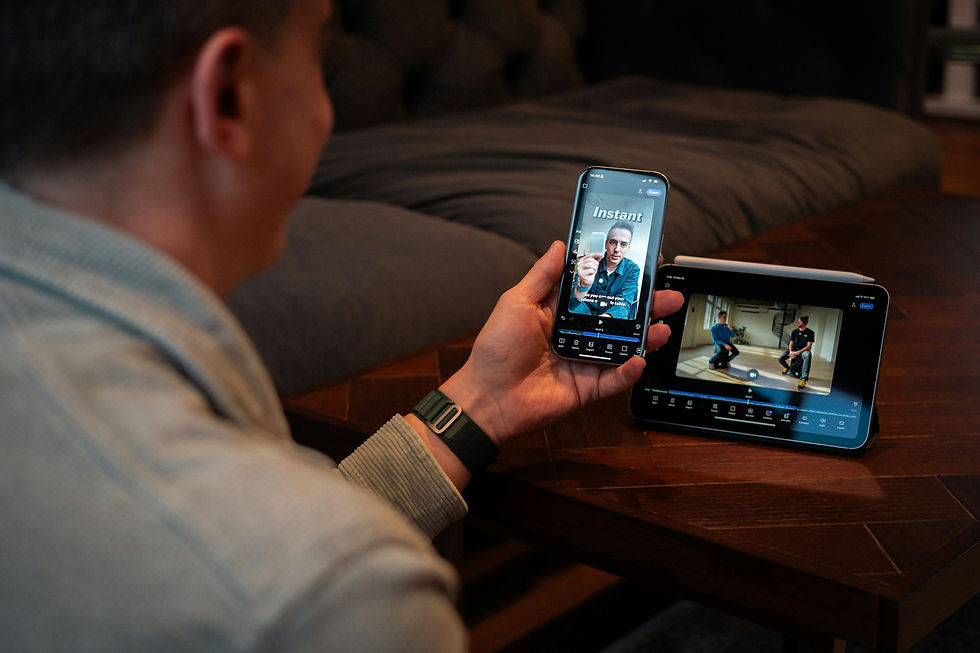
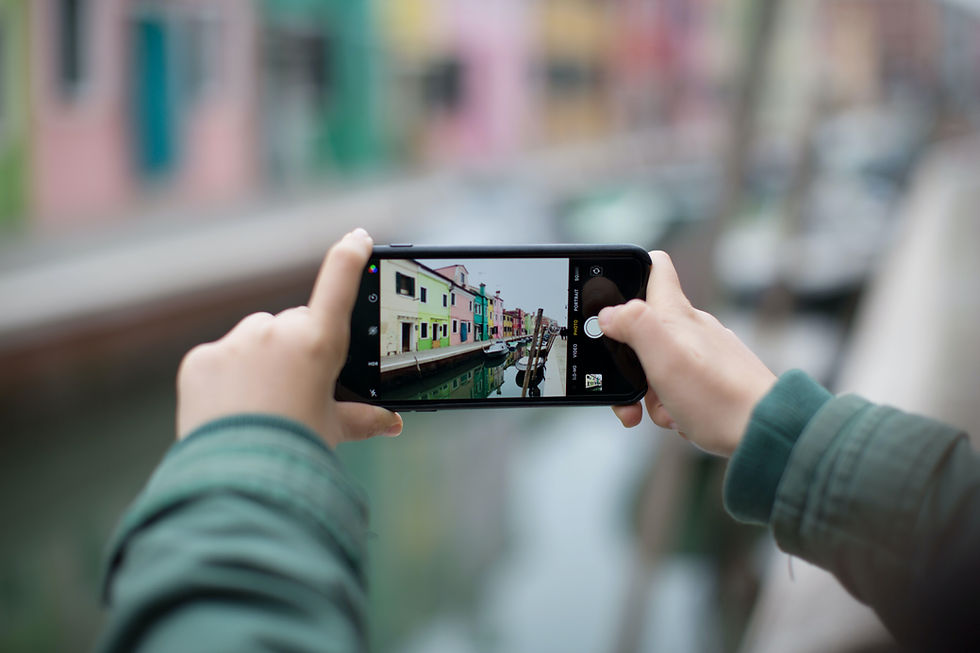
Look at the phone in your hand right now. It contains a camera (probably better than what professional photographers used in 2010). A photo editor. A video camera. A video editor. A voice recorder. A writing app. Internet access to design tools like Canva. The ability to publish anything to billions of people worldwide. In one device. Twenty years ago, you would have needed an entire studio costing lakhs of rupees to do all of this. Today it is in your pocket. Most students do not realise they are walking around with a creative empire.
2
Professional tools are useful but not essential to start: creativity comes from the person, not the software
REAL WORLD EXAMPLE
Many beginners think 'I will start creating once I have Adobe Photoshop'. Years pass. They never start. Meanwhile, kids in small towns making short films on their phones with free apps go viral on Instagram. The truth is hard but freeing — your creativity comes from YOU, not from your tools. Free tools are enough to start. Cheap tools are enough to grow. Expensive tools become useful much later, once you know what you actually need them for. Start now with what you have. Upgrade later when it actually matters.
3
Understanding tool categories (from capsule 3.1) means you can always find the right tool for the job
REAL WORLD EXAMPLE
Now that you know there are categories — image editor, video editor, layout tool, audio editor, vector editor — you can always find the right tool for any creative task. Need to fix a photo? Image editor. Need to make a poster? Layout tool. Need to make a logo? Vector editor. Need to make a Reel? Video editor. The category map you built in Unit 3 is your lifelong navigation system. While others fumble for the right app, you go straight to the right category and pick whichever app is currently popular.
4
Free tools exist for every category: Canva (design), CapCut (video), GarageBand (audio), Figma (vector/UI), Google Suite (collaboration)

REAL WORLD EXAMPLE
Here is the wonderful secret about today's creative world: nearly every category has at least one excellent free tool. Canva for design. CapCut for video. GarageBand for music (free on Apple). Figma for digital design and UI. Google Docs, Sheets, and Slides for collaboration. Inkscape for vectors. Audacity for audio. You can build a complete professional toolkit without spending a single rupee. The cost of getting started is now almost zero — and the only thing standing between you and creative work is the decision to begin.
5
Your toolkit will grow over time as you learn new tools and take on more complex projects
REAL WORLD EXAMPLE
Nobody starts with twenty creative tools. They start with one or two. Maybe Canva. Maybe CapCut. As your projects grow more ambitious, you discover you need new tools — a vector editor for a logo, an audio editor for cleaning podcast voice, a 3D tool because you want to design a product. Each new tool is added to your toolkit when you actually need it. This is how all professionals built their toolkits — one tool at a time, driven by real projects. You do not need every tool today. You need the right tool for tomorrow's project.

6
The Foundation Program has given you the creative skills to DRIVE any tool effectively — tools are vehicles, skills are the driver
REAL WORLD EXAMPLE
Imagine giving a sports car to someone who does not know how to drive. The car is amazing, but it sits useless. Now give a basic scooter to a skilled rider — they will go far. Tools are the vehicle. Your creative skills are the driver. The Foundation Program has been quietly building your driver skills — your eye for composition, your sense of colour, your storytelling instinct, your understanding of space, your empathy for the audience. You can now drive any tool — basic or fancy — and reach your destination. The driver matters more than the vehicle.

7
Authentic creativity matters more than expensive tools — it's about what you make, not what you make it with.

REAL WORLD EXAMPLE
When someone shows you a great piece of creative work — a video, a poster, a song — your first reaction is never 'I wonder which software they used'. Your first reaction is 'Wow, this made me feel something'. Audiences do not care about your tools. They care about the work. And great work is created by people who care deeply, not by people who spent the most money on apps. Spend less time worrying about tools. Spend more time observing, thinking, feeling, and creating. The tools matter much less than you think.
8
What if the most important part of your toolkit isn't the apps — it's the creative foundation you've built?

REAL WORLD EXAMPLE
The apps in your phone right now will probably be replaced ten times in your lifetime. New tools will appear. Old ones will disappear. But the things you have built in this Foundation Program — your eye for composition, your understanding of colour, your sense of story, your empathy for people — those will stay with you forever. They are the only part of your toolkit that cannot be uninstalled, replaced, or made obsolete. The most powerful tool you carry is not on your phone. It is in your head and your heart.
Pro Connection
Professionals choose tools based on project needs, not brand loyalty. Knowing the landscape means you can adapt. When someone says “what’s in your stack?” they’re asking about your toolkit and workflow.
PROFESSIONAL TERMINOLOGY
CLICK TO REVEAL and CLICK TO COVER
Your personal collection of creative tools and apps — the resources you use to create digital work
What is
DIGITAL TOOLKIT
The combination of tools used for a specific workflow: capture + edit + design + publish
What is
CREATIVE STACK
Creative tools available for free or with free tiers — powerful enough for real creative work
What is
FREE/FREEMIUM TOOLS
THE TOOLKIT INVENTORY
You're already sitting on more creative power than professional studios had twenty years ago — this challenge is just about seeing it clearly.
what TO DO
List every creative app and tool on your phone and any computer you use — be thorough, even small tools count.
Categorise each one: image editor, vector editor, layout tool, video editor, audio editor, 3D tool, or collaboration tool.
Review your list: which categories are you strongest in? Which are completely missing?
Choose one free tool in a category you haven't explored and try it — create something simple with it, however small.
Screenshot what you made with the new tool.
what TO SUBMIT
Text | Your complete toolkit list with categories: '[Tool name] — [Category]' |
Text | 'My strongest category is [category]. My missing category is [category]. The new tool I tried is [name] and I used it to [description of what I made].' |
1 Screenshot | Something you actually created or explored using the new tool |
CHALLENGE
DISCOVERY
You can use these SOFTWARES for this Discovery Challenge
FREE SOFTWARE : Google Keep, Phone Screenshot, Chrome Browser, Apple Notes / Samsung Notes
PAID SOFTWARE : Notion, GoodNotes 6