
DIGITAL WORKFLOWS
What if every creative project follows a similar digital journey: capture → create → refine → export → publish — and knowing this flow makes everything smoother?
CORE CONCEPT
IMPORTANCE OF DIGITAL WORKFLOWS
KEY KNOWLEDGE
1
A digital workflow = the sequence of steps and tools from idea to published creative work

REAL WORLD EXAMPLE
Every creative project — even a small Instagram post — has a journey. You think of an idea. You take a photo. You edit it. You add a caption. You post it. Each step uses different actions and possibly different tools. That whole journey from 'idea in my head' to 'live on the internet' is called a workflow. When the workflow is clear, work feels smooth. When the workflow is messy, you waste hours looking for files, redoing edits, or forgetting what you were even trying to make. A clear workflow is the secret behind a calm creative life.
2
Common flow: capture → create → refine → export → publish

REAL WORLD EXAMPLE
Most creative projects follow the same five steps. Capture (take the photo, record the video, gather your raw materials). Create (start arranging, designing, editing). Refine (polish, get feedback, improve). Export (save in the right format and size). Publish (share with the world). Whether you are making a Reel for fun or a poster for the school fair, the journey is the same. Once you see this pattern, you can plan any project from start to finish in your head — even before you begin.
3
Each stage may use different tools: camera app (capture), design app (create), feedback from friends (refine), export settings (export), social media (publish)

REAL WORLD EXAMPLE
Each step in your workflow probably uses a different tool. You capture with your camera. You create in Canva or CapCut. You refine by showing it to friends or family. You export from the design app. You publish on Instagram or YouTube. Five stages, five tools, sometimes more. The trick is knowing which tool belongs at which step. New creators try to do everything in one app. Experienced ones use the right tool at the right time. The tools form a chain, and a clear chain produces clear work.
4
Always save the source file (the editable version with all layers) — and export copies for each platform

REAL WORLD EXAMPLE
Here is a habit that will save you years of grief: ALWAYS keep your original editable file safe. Then export copies in different formats for each use. The source file is your master — you can always go back to it and make changes. The exported copies are for sharing. If you only save the exported version, you cannot edit it later — every change means starting from scratch. The professionals who never seem to lose work are not lucky. They just keep their source files like treasures.
5
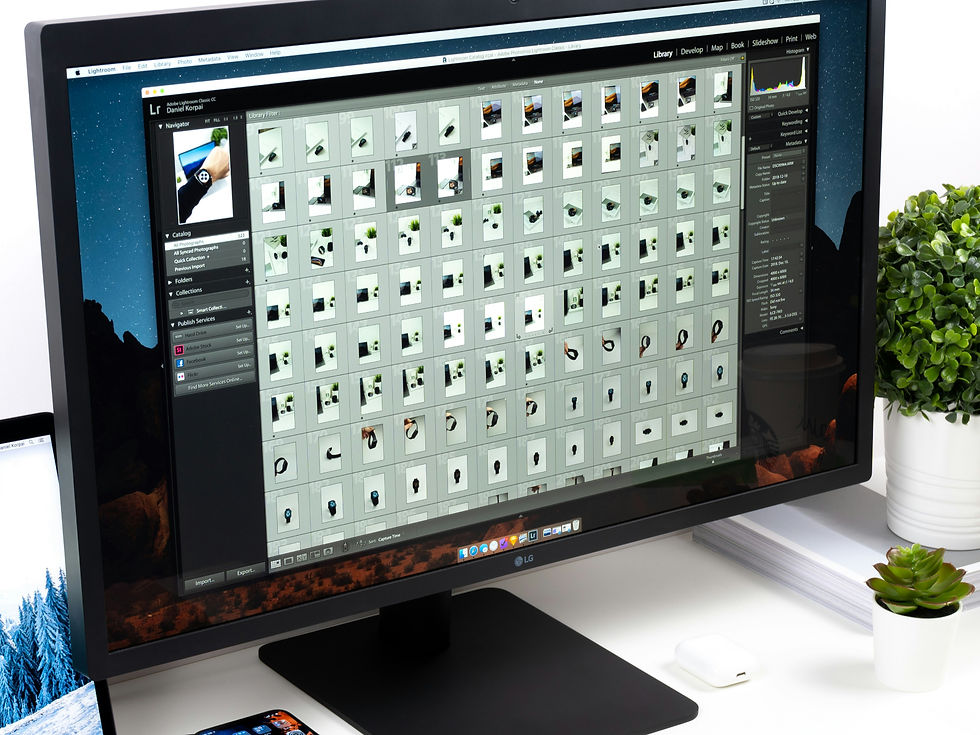
Different platforms need different export settings: size, format, aspect ratio, quality
REAL WORLD EXAMPLE
Posting the same image to Instagram, WhatsApp Status, and YouTube? Each one wants different settings. Instagram likes square or 4:5. Status likes 9:16. YouTube thumbnails like 16:9. Each platform also has its own recommended file size. So when you finish creating something, do not just export ONE file — export several versions, each tuned to its platform. This sounds tedious. It takes five extra minutes. But your work will look perfectly framed everywhere instead of being awkwardly cropped by each app.
6
Backing up your work is essential: cloud storage (Google Drive, iCloud) prevents losing everything if your device breaks
REAL WORLD EXAMPLE
One day, your phone will break, get lost, or get stolen. It happens to everyone. The question is — when it happens, will all your creative work disappear with it? Or will it be safely stored on Google Drive, iCloud, or another cloud service? Backing up is one of those boring habits that feels pointless until the day you desperately need it. Then it feels like a miracle. Set up cloud backup once. Forget about it. Sleep peacefully knowing your creative work cannot vanish.
7
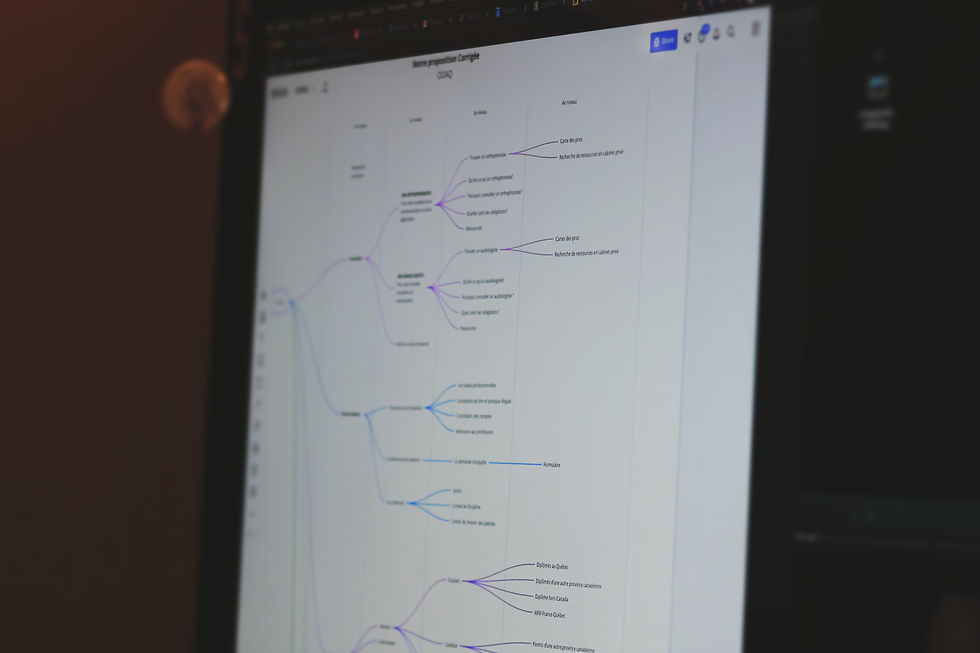
A workflow can be simple (phone photo → quick edit → Instagram) or complex (storyboard → film → edit → grade → export → multiple platforms)
REAL WORLD EXAMPLE
Workflows scale with the project. A casual photo for your Insta story takes 30 seconds — capture, slap a filter, post. A short film with friends might take weeks — script, storyboard, location scouting, filming, editing, music, colour grading, export, posting. Both are workflows. Both follow the same basic structure of 'capture, create, refine, export, publish'. The difference is just the depth of each step. As your projects get bigger, your workflow gets longer. Same map, longer route.
8
What if documenting your personal workflow helps you become faster and more consistent with every project?

REAL WORLD EXAMPLE
Try this experiment: write down the steps you use to create your typical Instagram post. The whole journey from 'idea' to 'live'. Read it back. You will probably spot one or two steps that could be simpler. Maybe you keep forgetting to back up. Maybe you always edit in the wrong order. Documenting your workflow once turns invisible habits into visible systems. Visible systems are improvable. The most efficient creators are not the most talented — they are the most thoughtful about their own process.
Pro Connection
Professional studios have documented workflows for every type of project. When someone says “what’s the pipeline?” they mean: what’s the workflow from start to finish?
PROFESSIONAL TERMINOLOGY
CLICK TO REVEAL and CLICK TO COVER
The sequence of steps and tools used to complete a creative project from start to finish
What is
WORKFLOW
The original, editable file with all layers and elements — always keep this safe
What is
SOURCE FILE
Saving a file in a specific format and quality for its intended use
What is
EXPORT
Making the work publicly available — posting, uploading, printing, or delivering
What is
PUBLISH
A saved copy of your work stored separately (cloud, external drive) for safety
What is
BACKUP
THE TOOLKIT INVENTORY
You're already sitting on more creative power than professional studios had twenty years ago — this challenge is just about seeing it clearly.
what TO DO
List every creative app and tool on your phone and any computer you use — be thorough, even small tools count.
Categorise each one: image editor, vector editor, layout tool, video editor, audio editor, 3D tool, or collaboration tool.
Review your list: which categories are you strongest in? Which are completely missing?
Choose one free tool in a category you haven't explored and try it — create something simple with it, however small.
Screenshot what you made with the new tool.
what TO SUBMIT
Text | Your complete toolkit list with categories: '[Tool name] — [Category]' |
Text | 'My strongest category is [category]. My missing category is [category]. The new tool I tried is [name] and I used it to [description of what I made].' |
1 Screenshot | Something you actually created or explored using the new tool |
CHALLENGE
DISCOVERY
You can use these SOFTWARES for this Discovery Challenge
FREE SOFTWARE : Google Keep, Apple Notes / Samsung Notes, Canva
PAID SOFTWARE : Notion, GoodNotes 6