
PIXELS
What if every photo you’ve ever taken is actually a mosaic of millions of tiny coloured squares — and you’ve never noticed because they’re so small?
CORE CONCEPT
IMPORTANCE OF PIXELS
KEY KNOWLEDGE
1
A pixel is the smallest unit of a digital image — a tiny square of one single colour
REAL WORLD EXAMPLE
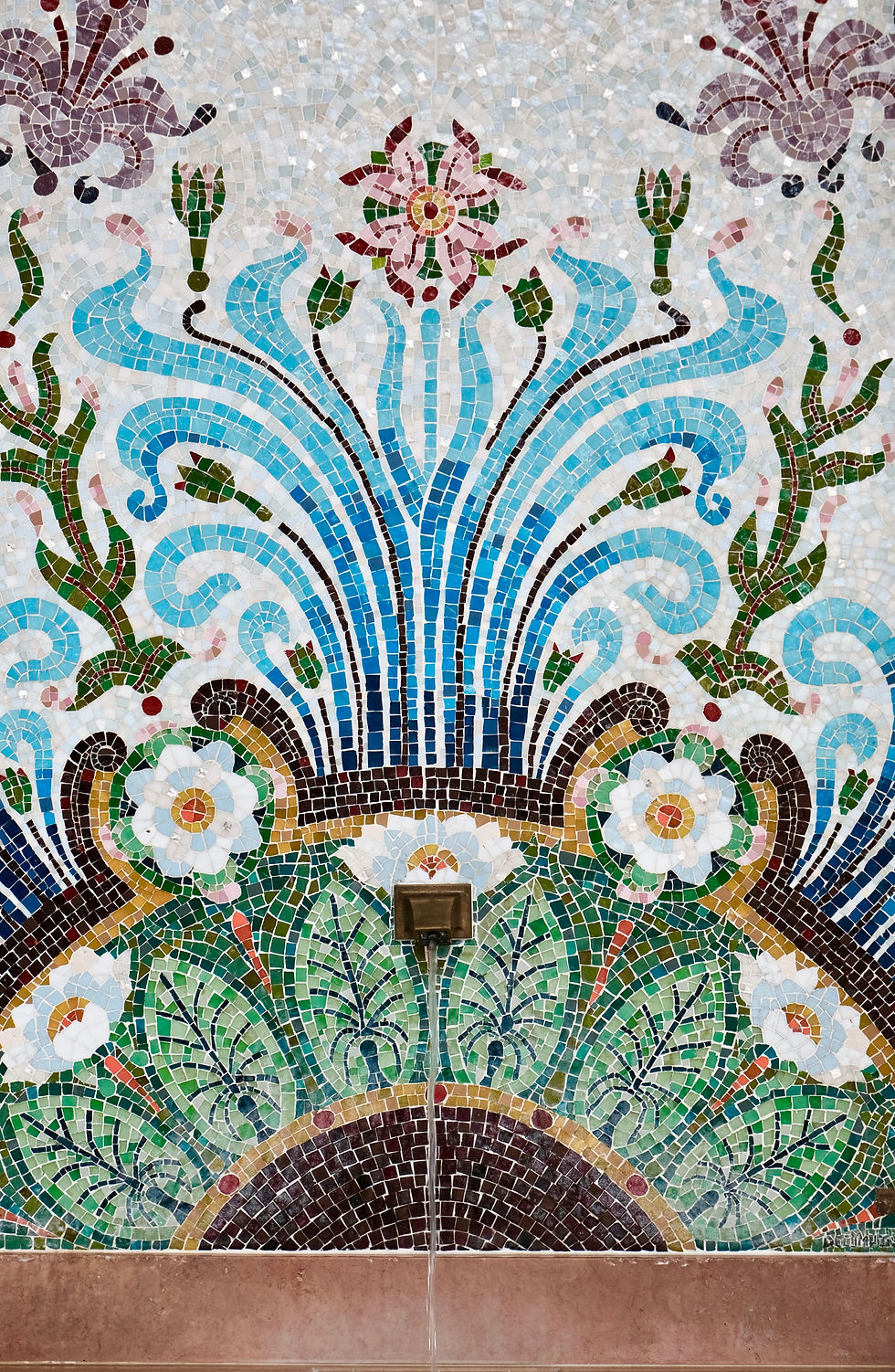
Imagine your favourite mosaic floor in a temple or hotel lobby — thousands of tiny coloured tiles fitted together so perfectly that from far away you see one big picture. Now hold up your phone and look at the screen. It is doing the exact same thing, except the tiles are squares of light called pixels, and they are SO tiny your eye blends them together. Every selfie, every meme, every WhatsApp sticker — all of it is just a wall of tiny squares pretending to be a picture. The mosaic floor needed a craftsman with patience. Your phone screen does it millions of times per second.
2
All digital photos and video frames are grids of pixels — millions of tiny squares creating the illusion of a continuous image

REAL WORLD EXAMPLE
Pause any movie on your phone. Right there, frozen on the screen, is one frame — and that one frame is made of around two million tiny pixel squares. A two-hour film at 24 frames per second has shown your eye over 170 million pixel grids by the end. Your brain never noticed because each frame disappears before you can. The reason action scenes feel like real motion is not because the screen is moving — it is because thousands of still pixel grids flashed past you so fast that your brain gave up and called it a movie.
3
Resolution = the number of pixels in an image, usually expressed as width × height (e.g., 1920 × 1080)

REAL WORLD EXAMPLE
When you watch a YouTube video on your phone and tap the settings gear, you see numbers like 144p, 480p, 720p, 1080p. Those are not random codes — each one tells you how many rows of pixels are stacked in the picture. 1080p means 1,080 rows tall. The bigger the number, the more squares packed in, the sharper everything looks. The next time the video looks blurry on poor network and you tap to a lower number, you are literally telling YouTube, 'Send me fewer pixels so it loads faster.' Resolution is not technical jargon — it is a number you negotiate with every single day.
4
Higher resolution = more pixels = more detail = sharper image. Lower resolution = fewer pixels = less detail = blurry

REAL WORLD EXAMPLE
Think of two students drawing the same Mahatma Gandhi portrait. One uses a notebook with 100 dots per page. The other uses a notebook with 10,000 dots per page. They both draw the same face. But the first one's Gandhi looks chunky and rough, while the second one's Gandhi has every wrinkle, every strand of his shawl, the gleam in his glasses. They are not different artists — they just had different amounts of dots to work with. That is exactly the difference between a low-resolution and high-resolution image. Same picture. Different number of squares to draw it with.
5
When you zoom into a low-resolution image, you see individual pixels — this is called “pixelation”
REAL WORLD EXAMPLE
Your friend forwards you a photo on WhatsApp. You zoom in to see the details — and suddenly the face dissolves into ugly coloured blocks like a video game from 1995. That is pixelation. It is the moment the image runs out of pixels and your eye can finally see the squares. WhatsApp shrunk the photo to send it faster, so when you stretched it back, there just were not enough pixels left to fool you. The image was not bad. There was simply not enough of it.

6
Phone cameras are measured in megapixels (millions of pixels): a 12MP camera creates images with 12 million tiny squares
REAL WORLD EXAMPLE
When phone shops boast '108 megapixel camera!' they are saying every photo your phone takes is built from 108 million coloured squares. To put that in perspective: if you printed all those squares as actual tiles on the floor, one photo would cover an entire bedroom. That is the kind of detail being squeezed into a file the size of a thumbnail and shared in a second. Your phone is doing maths that would have melted computers 30 years ago — every time you tap that camera button.

7
Screen resolution determines how sharp your display looks: Retina, 4K, and HD all refer to pixel density

REAL WORLD EXAMPLE
Walk into any electronics showroom and look at the TV section. The same Bollywood movie is playing on ten different screens. On the cheap one, Shah Rukh Khan looks slightly soft. On the 4K screen, you can count the stitches on his shirt. Same actor. Same movie. Same lighting. The only difference is how many pixels each TV has crammed into the same square inch. 'Retina' on iPhones, '4K' on TVs, 'HD' on monitors — they are all just brand names for the same idea: more pixels per inch means your eye cannot find the squares.
8
What if understanding pixels is the key to knowing why some images look perfect and others look blurry?

REAL WORLD EXAMPLE
Once you know about pixels, you stop blaming your phone, your eyes, or 'bad luck' when an image looks bad. You start asking the right question: how many pixels does this image actually have, and how big am I trying to display it? That one question explains every blurry profile photo, every grainy meme, every pixelated screenshot you have ever seen. The mystery was never a mystery. It was just a number. And now that you know the number exists, you will see it everywhere — and you will never be confused by a blurry image again.
Pro Connection
Photographers choose camera settings based on resolution needs. Graphic designers set image resolution for print (300 DPI) vs screen (72–150 PPI). When a designer says “the image is too low-res,” they mean there aren’t enough pixels for the intended size.
PROFESSIONAL TERMINOLOGY
CLICK TO REVEAL and CLICK TO COVER
The smallest unit of a digital image — a tiny square of one colour that combines with millions of others to form a picture
What is
PIXEL
The number of pixels in an image — higher resolution means more detail and sharper quality
What is
RESOLUTION
One million pixels — used to describe camera sensor capacity
What is
MEGAPIXEL (MP)
An image made of pixels — has a fixed resolution and loses quality when enlarged (photos, screenshots, JPEGs)
What is
RASTER IMAGE
The visible appearance of individual pixels when an image is displayed larger than its resolution allows
What is
PIXELATION
Dots/Pixels Per Inch — a measurement of how densely pixels are packed. Higher = sharper
What is
DPI/PPI
THE PIXEL ZOOM
Your favourite photo is lying to you — it's not one image, it's millions of tiny coloured lies, all perfectly arranged.
what TO DO
Take any photo on your phone.
Zoom ALL the way in until you can see individual squares of colour — those are pixels!
Screenshot the zoomed view, then screenshot the normal (full) view of the same photo.
Now send the same photo to yourself via a messaging app (e.g. WhatsApp or Instagram DM).
Download the received version and zoom into it at the same level.
Compare both zoomed versions side by side — do you notice a quality difference?
what TO SUBMIT
2 Screenshots | The zoomed pixel view AND the normal (full) view of your original photo — labelled clearly |
1 Screenshot | The zoomed view of the messaging-app (compressed) version |
Text | One sentence comparing the two zoomed versions: "The compressed version looks [more/less] pixelated because [reason]." |
CHALLENGE
DISCOVERY
You can use these SOFTWARES for this Discovery Challenge
FREE SOFTWARE : Phone Camera + Gallery, WhatsApp or Instagram, Phone Screenshot, Google Keep
PAID SOFTWARE : Halide Mark II, Adobe Lightroom Premium